





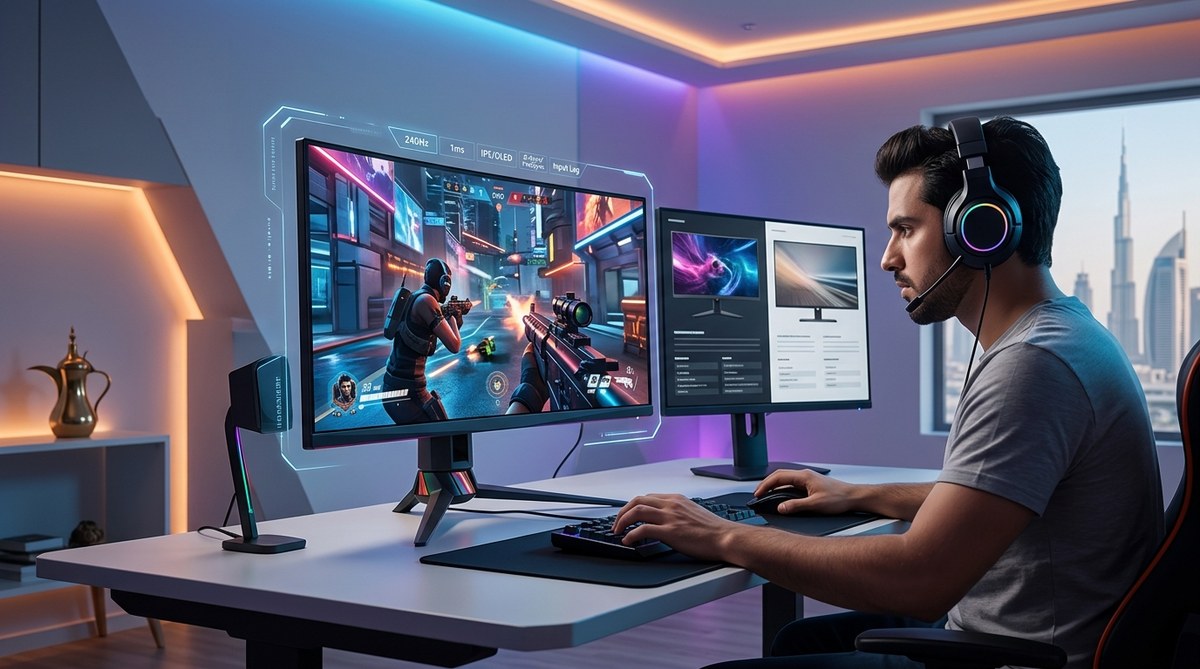
The gaming arenas of Riyadh, Dubai, and Cairo are no longer just regional battlegrounds. Teams from the Middle East are now standing shoulder to shoulder with established powerhouses from Europe, North America, and Asia at the world’s most prestigious esports tournaments. This shift didn’t happen overnight, but the acceleration over the past two years has been nothing short of remarkable.
Middle Eastern esports teams are making significant strides on the global stage in 2024, driven by Saudi Arabia’s infrastructure investments, the Esports World Cup, and regional talent development programs. Teams from Saudi Arabia, UAE, and Egypt are now competing in international leagues for League of Legends, Dota 2, and Counter-Strike, while mobile esports titles like PUBG Mobile and Honor of Kings are helping MENA players gain recognition worldwide.
Saudi Arabia’s Infrastructure Push Changes Everything
Saudi Arabia has invested billions into gaming and esports as part of its Vision 2030 economic diversification plan. The country isn’t just hosting tournaments. It’s building training facilities, funding teams, and creating pathways for local talent to compete internationally.
The Esports World Cup in Riyadh became a centerpiece event in 2024, featuring prize pools that rival The International and League of Legends World Championship. This competition brought top teams from around the world to Saudi soil, but it also gave regional squads a chance to compete against the best without traveling halfway across the globe.
Savvy Gaming Group, owned by the Public Investment Fund, has acquired major tournament organizers and esports brands. This ownership structure means decisions about tournament locations, prize distribution, and regional qualifiers now consider MENA teams as core participants rather than afterthoughts.
How MENA Teams Are Building Competitive Rosters

Building a world-class esports team requires more than just talented players. It demands infrastructure, coaching, analyst support, and consistent practice against top-tier opponents.
Here’s how Middle Eastern organizations are constructing their rosters:
-
Scouting local talent through regional leagues. Saudi eLeague and similar competitions across the UAE and Egypt serve as talent pipelines where scouts identify players with mechanical skill and competitive mindset.
-
Importing experienced players and coaches from established regions. Several MENA teams have brought in Korean coaches for League of Legends, European in-game leaders for Counter-Strike, and Chinese analysts for Dota 2 to accelerate knowledge transfer.
-
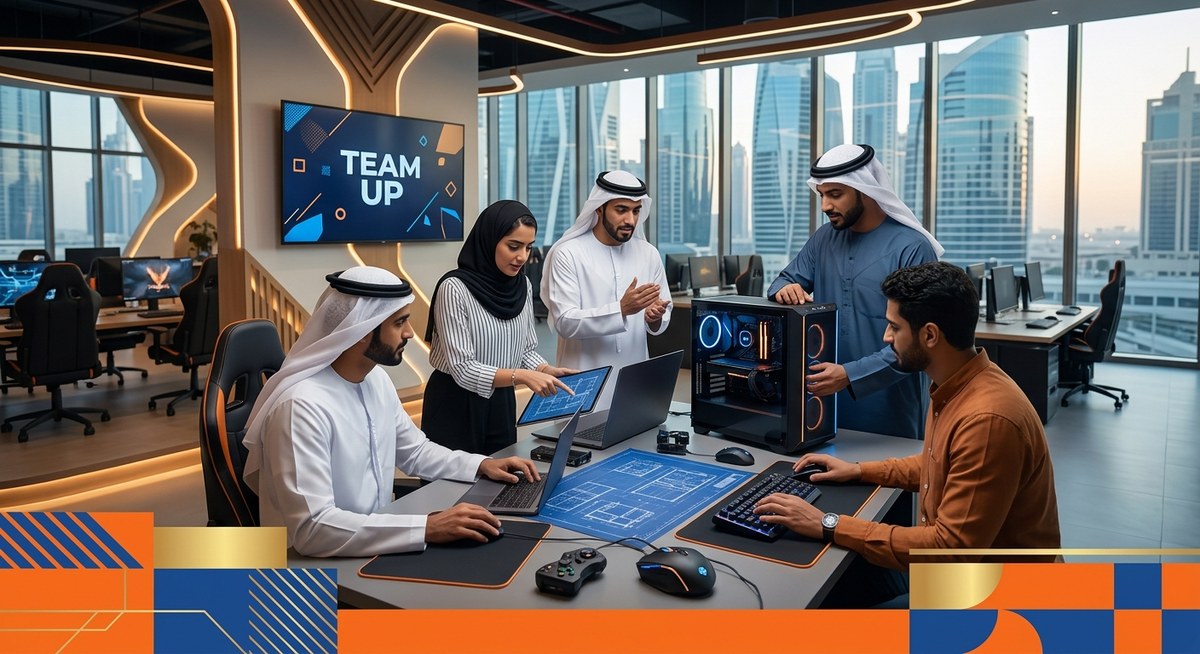
Establishing bootcamp facilities with low-latency connections. Teams based in Dubai and Riyadh now have access to gaming houses with fiber connections that can compete with Seoul or Stockholm for server response times.
-
Creating mixed rosters that blend regional and international players. This approach helps local talent learn from veterans while maintaining regional identity and fan connection.
-
Investing in sports psychologists and performance coaches. Mental preparation and stress management have become standard practice, not luxuries reserved for Western teams.
The results speak for themselves. Team Falcons, backed by Saudi investment, has competed in Dota 2’s highest tiers. Nigma Galaxy, with regional ties, regularly qualifies for international Dota 2 events. In mobile esports, teams from Saudi Arabia and Egypt have placed in the top eight at PUBG Mobile global championships.
Mobile Gaming Becomes MENA’s Secret Weapon
While PC esports still dominates headlines in Europe and North America, mobile gaming has become the preferred platform across much of the Middle East. This preference isn’t a limitation but an advantage.
PUBG Mobile, Honor of Kings, and Free Fire have massive player bases in Saudi Arabia, UAE, and Egypt. The competitive scenes for these titles are robust, with regular tournaments and substantial prize pools. When global mobile esports events occur, MENA teams arrive with thousands of hours of competitive experience.
The 2024 mobile esports calendar featured unprecedented investment from Saudi organizers. Prize pools for mobile tournaments now rival traditional PC esports in some cases, attracting top teams from Southeast Asia and South America to compete in the region.
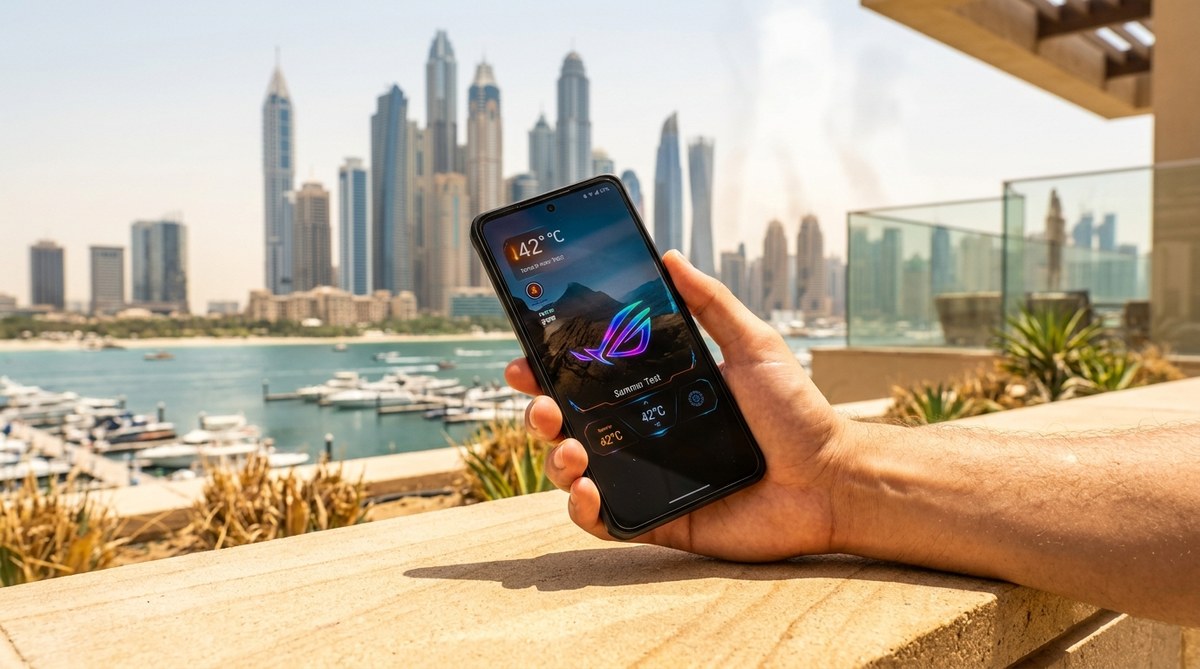
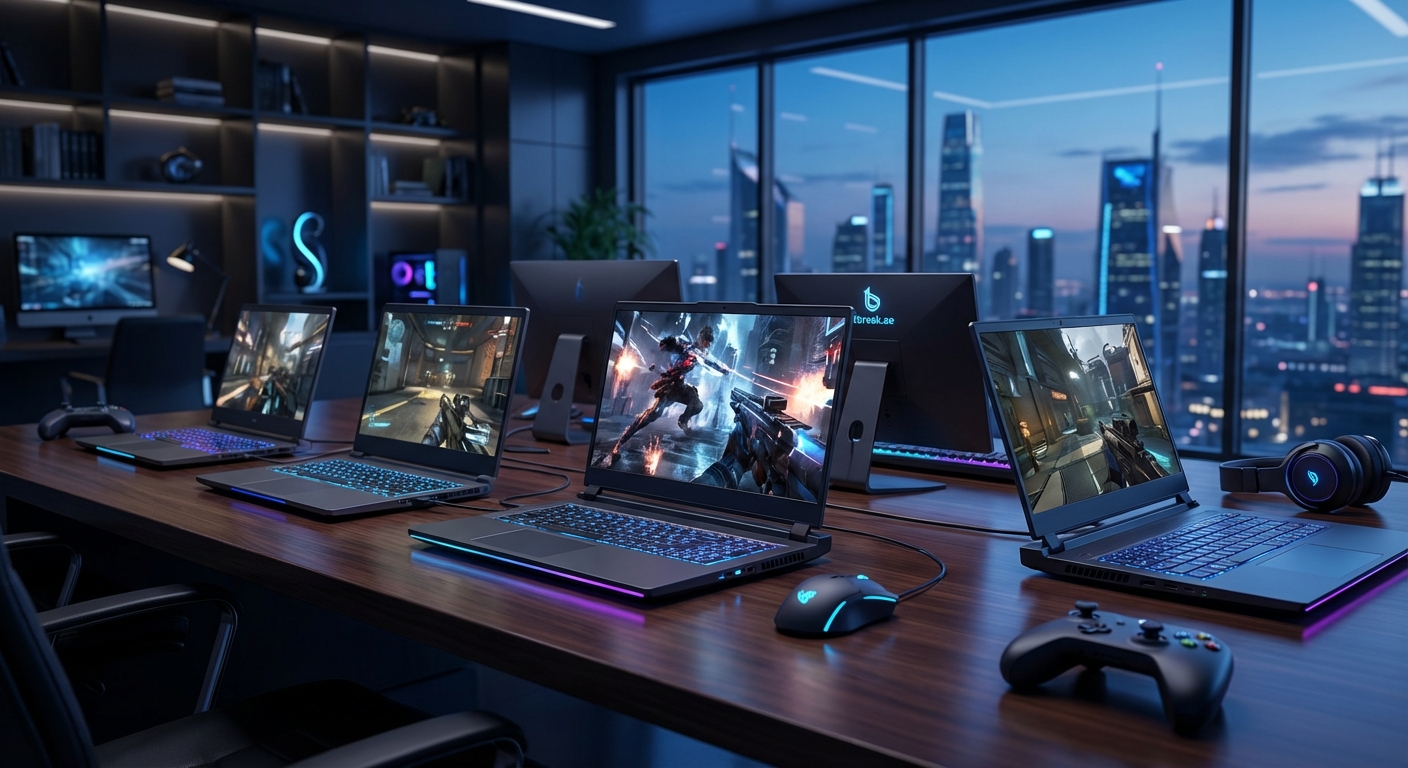
Mobile esports also has a lower barrier to entry for aspiring players. You don’t need a best gaming laptops under 5000 AED available in UAE and Saudi Arabia setup to compete at a high level. A capable gaming phone and stable internet connection can be enough to start your competitive journey.
For those serious about mobile competition, choosing the right gaming phone for PUBG Mobile and Genshin Impact makes a measurable difference in response times and frame rates during critical moments.
Breaking Down Regional Performance by Game Title

Different esports titles have seen varying levels of success from Middle Eastern teams. Understanding where MENA teams excel and where they’re still building helps paint a realistic picture of the competitive landscape.
| Game Title | MENA Performance Level | Key Regional Teams | Notable Achievements 2024 |
|---|---|---|---|
| Dota 2 | High | Team Falcons, Nigma Galaxy | Multiple Major top-8 finishes, consistent DPC points |
| League of Legends | Developing | Various Saudi and UAE orgs | Participation in international qualifiers, building infrastructure |
| Counter-Strike 2 | Emerging | Mixed MENA rosters | Regional tournament wins, occasional international qualifier appearances |
| PUBG Mobile | Very High | Saudi and Egyptian teams | Global Championship top-8, regional dominance |
| Valorant | Moderate | GCC-based organizations | VCT participation, growing competitive scene |
| Rocket League | Low | Individual players | Limited team infrastructure, mostly individual competitors |
This table reveals a clear pattern. MENA teams perform best in titles with either substantial regional investment (Dota 2) or mobile-first competitive scenes (PUBG Mobile). Games requiring years of established infrastructure and player development pipelines still present challenges.
Common Mistakes MENA Teams Make on the Global Stage
Even with substantial backing and talented rosters, Middle Eastern teams face specific challenges when competing internationally. Recognizing these pitfalls helps organizations avoid repeating them.
| Mistake | Why It Happens | How to Avoid It |
|---|---|---|
| Over-relying on individual mechanical skill | Regional competitions sometimes reward raw talent over team coordination | Invest in team-building exercises, structured practice regimens, and communication drills |
| Underestimating meta adaptation speed | Global metas shift faster than regional scenes sometimes recognize | Hire dedicated analysts who monitor international tournaments and patch notes daily |
| Insufficient international bootcamp time | Travel logistics and visa issues limit practice against top teams | Establish partnerships with European or Asian organizations for extended training periods |
| Language barriers in mixed rosters | English proficiency varies among players and coaches | Require language training as part of player contracts, hire bilingual support staff |
| Pressure from representing an entire region | MENA teams often carry expectations beyond typical team pressure | Implement sports psychology programs focused on managing external expectations |
These challenges aren’t insurmountable. They’re growing pains that every emerging esports region has faced. Korean teams overcame them in the early 2010s. Chinese organizations solved them by the mid-2010s. Now it’s MENA’s turn.
What Tournament Organizers Are Doing Differently

Global tournament organizers have recognized that ignoring the Middle East means leaving money, viewership, and talent on the table. The changes they’re implementing matter for competitive integrity and regional growth.
ESL and BLAST have added MENA qualifiers for Counter-Strike events. Riot Games launched Middle East servers for League of Legends and localized the client in Arabic. These aren’t token gestures but infrastructure investments that enable competitive parity.
The Esports World Cup model, where multiple game titles compete under one festival-style event, has proven particularly effective for showcasing MENA talent across various games simultaneously. This approach lets regional teams compete in their strongest titles while building experience in developing ones.
“We’re not just bringing tournaments to the Middle East. We’re building sustainable competitive ecosystems that will produce world champions within the next three to five years. The infrastructure investments happening now will define the next decade of global esports.” – Tournament organizer speaking at a 2024 gaming conference in Dubai
Prize pools have also shifted. When tournaments occur in Saudi Arabia or UAE, the financial backing often exceeds traditional Western events. This creates situations where the best teams in the world must travel to MENA to compete for the largest payouts, reversing decades of one-way talent and attention flow.
The Role of Streaming and Content Creation
Competitive success doesn’t exist in a vacuum. It requires fan engagement, sponsorship revenue, and cultural relevance. Middle Eastern esports teams are increasingly recognizing that content creation and streaming are essential components of sustainable success.
Several MENA players have built substantial followings on Twitch and YouTube, streaming in Arabic and English. This bilingual approach expands their audience beyond the region while maintaining strong local connections. When these players compete internationally, they bring viewership numbers that sponsors notice.
The Middle East gaming market is outpacing global growth in several metrics, including streaming hours watched and esports engagement rates. This growth translates directly into more resources for competitive teams.
Teams are also hiring dedicated content managers who understand both gaming culture and regional preferences. A highlight reel that works for Western audiences might need different editing, music choices, and cultural references to resonate in Riyadh or Cairo.
Training Facilities That Rival Traditional Sports Complexes

Walk into a top-tier MENA esports facility today and you’ll find amenities that professional football clubs would recognize. The days of makeshift gaming houses with folding tables are gone.
Modern training facilities in Saudi Arabia and UAE include:
- Dedicated practice rooms with soundproofing and climate control
- On-site nutritionists who design meal plans for cognitive performance
- Gym facilities with trainers who understand esports-specific physical needs
- Meeting rooms equipped for video review and strategy sessions
- Separate streaming studios for content creation
- Medical staff including physiotherapists for repetitive strain prevention
These facilities cost millions to build and maintain, but organizations view them as necessary investments rather than luxuries. When you’re competing against teams from regions with decades of infrastructure development, you can’t afford to cut corners.
The climate-controlled environments are particularly important given the region’s temperatures. Players need consistent conditions for practice and competition, and these facilities deliver that reliability year-round.
Youth Development Programs Creating the Next Generation
Current success matters, but sustainable competitiveness requires pipeline development. Several Middle Eastern countries have launched youth esports programs that mirror traditional sports academies.
These programs identify talented players as young as 13 or 14, providing coaching, equipment, and competitive opportunities. The goal isn’t just to create professional players but to build a deep talent pool where the best naturally rise to the top.
Saudi Arabia’s Ministry of Sport has incorporated esports into youth development initiatives. UAE universities now offer esports scholarships. Egypt has grassroots programs connecting internet cafes and gaming centers into organized competitive ladders.
The cultural shift matters as much as the infrastructure. Parents who once viewed gaming as a distraction now see potential career paths. Schools that banned gaming discussions now host esports clubs. This normalization accelerates talent development by removing social barriers that existed just five years ago.
Sponsorship and Commercial Viability
Professional esports teams need sustainable revenue beyond tournament winnings. Middle Eastern organizations have attracted an interesting mix of sponsors that reflects both regional business priorities and global brand interest.
Local telecommunications companies, banks, and government entities provide substantial backing. These sponsors view esports teams as ways to connect with younger demographics and demonstrate technological sophistication. The sponsorship deals often include multi-year commitments that provide financial stability.
Global endemic sponsors (gaming peripheral manufacturers, energy drink brands, streaming platforms) have also increased their MENA presence. They recognize that the region’s young, tech-savvy population represents a growing market segment worth cultivating.
Team jerseys at international tournaments now regularly feature Arabic script alongside English, a small but meaningful indication of the region’s growing commercial importance to the global esports industry.
Challenges That Still Need Solutions
Despite impressive progress, Middle Eastern esports teams still face obstacles that limit their competitive ceiling.
Visa and travel restrictions remain problematic. Players from certain countries struggle to obtain visas for tournaments in Europe or North America, forcing roster substitutions or tournament withdrawals. This inconsistency disrupts practice schedules and team chemistry.
Server locations and ping disadvantages persist for some titles. While League of Legends now has Middle East servers, other games still require MENA players to compete on European servers with 80-100ms latency. That disadvantage becomes critical at the highest competitive levels.
Cultural and language barriers affect team cohesion in mixed rosters. While English serves as a common language, nuanced strategic communication sometimes gets lost in translation. Building true team synergy takes longer when players come from vastly different cultural backgrounds.
The competitive schedule can be grueling. Teams often must compete in regional qualifiers, travel internationally for main events, then return for content obligations and practice. This constant movement creates burnout risks that organizations are still learning to manage.
What This Means for the Global Esports Landscape
The rise of Middle Eastern esports teams isn’t just a regional story. It’s reshaping how the entire industry thinks about talent distribution, tournament locations, and investment priorities.
Prize pools are increasing across the board as Saudi-backed events push the ceiling higher. This benefits players worldwide, not just those from MENA. Tournament organizers must now consider Middle Eastern venues seriously when planning major events, distributing the global calendar more evenly.
The mobile esports emphasis from MENA is also influencing global priorities. Publishers see the success of mobile titles in the region and invest more heavily in mobile competitive scenes worldwide. This creates opportunities for players in Southeast Asia, South America, and other regions where mobile gaming dominates.
Perhaps most significantly, the MENA rise demonstrates that esports infrastructure can be built relatively rapidly with sufficient investment and strategic planning. Regions that felt permanently behind now have a blueprint for acceleration.
From Regional Hopefuls to Global Contenders
Middle Eastern esports teams have moved beyond token participation at international events. They’re winning matches, advancing through brackets, and occasionally taking down established powerhouses. The infrastructure, talent, and investment now exist to support sustained competitive success.
The next few years will determine whether this moment represents a temporary surge or the beginning of a permanent shift in global esports power dynamics. The smart money is on the latter. When a region invests billions, builds world-class facilities, and treats esports as a strategic national priority, results follow.
For players, fans, and industry professionals watching this transformation, the message is clear. Middle Eastern esports teams aren’t asking for a seat at the table anymore. They’re already sitting down, and they’re hungry to prove they belong at the top.