




You don’t need thousands of dirhams to turn your Dubai apartment into a connected home that responds to your voice, saves energy, and makes daily life easier. The smart home market has matured enough that budget-conscious residents can now build capable systems without compromising on features that matter.
Building a smart home budget Dubai setup requires strategic planning around three core areas: lighting, climate control, and security. Start with a reliable hub, choose devices compatible with UAE voltage standards, and expand gradually. A functional ecosystem costs between 1,500 to 3,000 AED when purchased during sales events. Focus on energy-saving devices that pay for themselves within months in Dubai’s climate.
Understanding What Makes a Smart Home Work in Dubai
A smart home ecosystem connects devices through a central hub or platform, letting you control lighting, temperature, security, and entertainment from your phone or voice commands.
The foundation matters more than individual gadgets.
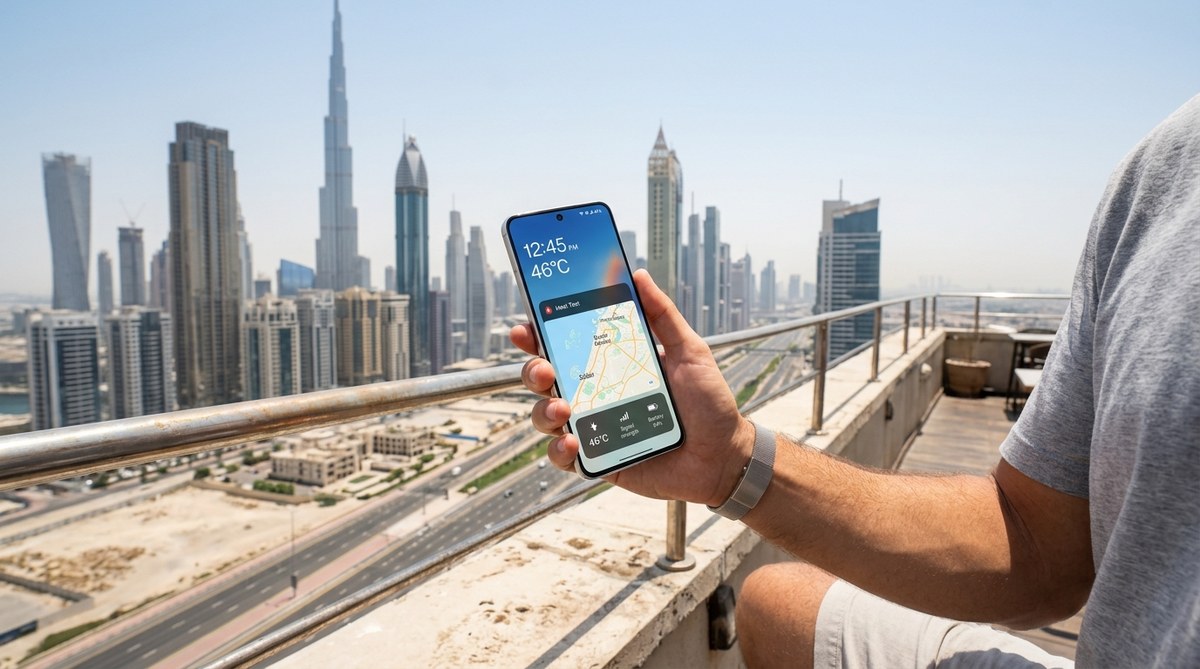
Dubai’s unique conditions affect device performance. Summer temperatures exceed 45°C outdoors, putting stress on sensors and outdoor cameras. Humidity near the coast can damage electronics not rated for tropical conditions. Voltage standards differ from some regions, requiring compatible plugs or adapters.
Most residents live in apartments with restrictions on permanent installations. Landlords rarely approve hardwired systems. This actually works in your favor because wireless smart devices cost less and move with you when your lease ends.
The best smart home devices for UAE apartments in 2024 focus on plug-and-play solutions that don’t require drilling or electrical work.
Planning Your Budget Before Buying Anything
Set a realistic total budget first, then allocate it across device categories.
Here’s how to distribute 2,000 AED effectively:
| Category | Budget Range | Priority Level | Example Devices |
|---|---|---|---|
| Smart Hub | 200-400 AED | Essential | Echo Dot, Google Nest Mini |
| Lighting | 400-600 AED | High | Smart bulbs, LED strips |
| Climate Control | 500-800 AED | High | Smart plugs, IR blasters |
| Security | 400-600 AED | Medium | Smart camera, door sensor |
| Extras | 200-400 AED | Low | Smart plugs, motion sensors |
You can start with just 800 AED if you focus on hub, basic lighting, and one security camera.
Timing purchases around Dubai Shopping Festival, White Friday, or Ramadan sales cuts costs by 30-50%. Retailers like Noon, Amazon.ae, and Sharaf DG run aggressive promotions during these periods.
The how to score the best tech deals during Dubai Shopping Festival 2024 guide shows exactly when to buy for maximum savings.
Choosing Your Ecosystem Platform
You need to pick between Amazon Alexa, Google Home, or Apple HomeKit before buying any devices.
This decision affects everything else because devices must work with your chosen platform.
Amazon Alexa dominates the UAE market. Most affordable devices support it. Echo speakers start at 149 AED during sales. The app works well in Arabic and English. Setup takes minutes.
Google Home offers better voice recognition and integrates seamlessly with Android phones. Nest Mini devices cost slightly more but handle complex commands better. The ecosystem feels more natural if you already use Gmail, Calendar, and other Google services.
Apple HomeKit provides the tightest security but limits device choices and costs more. Only consider this if you own multiple Apple devices and prioritize privacy over budget.
For a smart home budget Dubai approach, Alexa wins on price and device availability.
Step-by-Step Setup Process
Follow this sequence to avoid compatibility headaches and wasted purchases.
1. Install your hub and configure the app
Unbox your Echo Dot or Google Nest Mini. Plug it into power. Download the companion app (Amazon Alexa or Google Home). Follow the setup wizard to connect the hub to your WiFi network.
Test voice commands immediately. Say “what’s the weather” or “set a timer for five minutes” to confirm it works.
2. Upgrade your lighting system
Smart bulbs deliver the biggest quality-of-life improvement for the lowest cost.
Buy color-changing LED bulbs (Philips Hue, TP-Link Tapo, or Yeelight) that screw into existing fixtures. No wiring needed. Each bulb costs 30-80 AED depending on features.
Install them in your bedroom, living room, and kitchen first. Add them to your hub app by following the pairing instructions. Create a “Good Morning” routine that gradually brightens lights at 6:30 AM and a “Movie Time” scene that dims everything to 20%.
“The single best purchase I made was smart bulbs for my bedroom. I haven’t touched a light switch in six months. Everything happens automatically based on time of day or voice command. It cost me 200 AED total for three bulbs.” – Sarah, Dubai Marina resident
3. Add climate control without replacing your AC
Dubai’s electricity bills spike during summer when AC units run constantly.
Smart plugs (15-40 AED each) let you schedule when devices receive power. Plug your standing fan into one and set it to turn off automatically after two hours. Use another for your bedroom AC to shut down at 3 AM when you’re deep asleep anyway.
IR blasters (80-150 AED) control existing AC units, fans, and TVs without replacing them. The Broadlink RM4 Mini works with most brands sold in UAE. Point it at your AC, teach it the remote commands, then control temperature through your phone or voice.
This setup saves 15-25% on monthly electricity without spending thousands on new appliances.
4. Set up basic security monitoring
A single indoor camera (150-300 AED) positioned near your entrance provides peace of mind when traveling or at work.
Look for cameras with:
– 1080p resolution minimum
– Night vision capability
– Two-way audio
– Cloud storage options (or microSD slot)
– UAE voltage compatibility (220-240V)
Brands like Tapo, Eufy, and Xiaomi offer reliable models under 250 AED. Mount the camera on a shelf or use the included stand. Connect it to your WiFi and hub app.
Add a door/window sensor (40-80 AED) to your main entrance. It sends phone notifications when opened, useful for knowing when kids arrive home from school.
5. Create automation routines
Routines transform individual devices into a coordinated system.
Program these scenarios in your hub app:
Leaving Home: Say “I’m leaving” to turn off all lights, set AC to 26°C, and activate camera recording.
Arriving Home: Automatically turn on entrance lights when your phone connects to home WiFi between 6-10 PM.
Bedtime: Say “goodnight” to lock smart plugs, dim bedroom lights to 5%, and set AC to 23°C.
Wake Up: Gradually increase bedroom light brightness over 15 minutes starting at 6:30 AM, then play news briefing at 6:45 AM.
Each routine takes 3-5 minutes to configure but runs automatically forever after.
Essential Devices Worth the Investment
Some products deliver disproportionate value for their cost.
Smart plugs
These tiny adapters (15-40 AED) convert any appliance into a smart device. Buy a 4-pack and use them for:
– Coffee maker (auto-start at 6 AM)
– Phone chargers (auto-off at 100% battery)
– Standing fans (scheduled cooling)
– Decorative lights (automatic evening activation)
LED strip lights
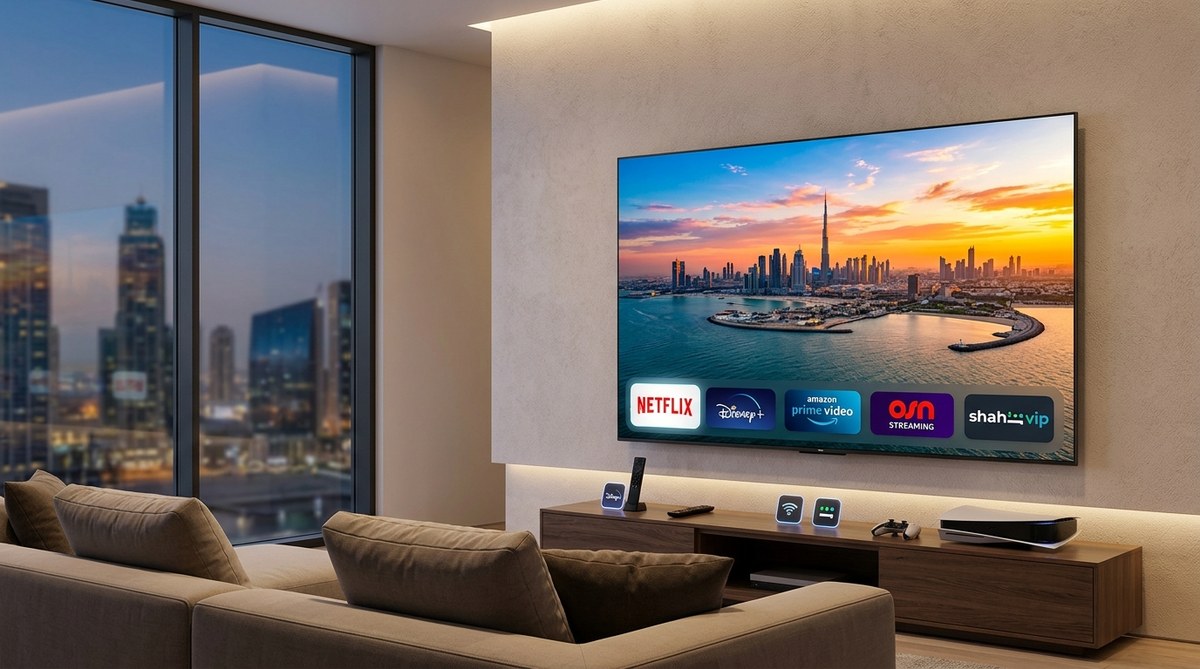
Adhesive RGB strips (60-150 AED for 5 meters) stick behind TV units, under kitchen cabinets, or along bedroom ceilings. They create ambient lighting that adjusts to activities. Set them to energizing white during morning routines, warm orange during dinner, and soft purple for movie nights.
Smart buttons
Physical buttons (30-60 AED each) placed by your bed or door trigger routines without speaking. Press once to turn off all lights. Press twice to activate security mode. Press and hold to trigger panic alarm.
Useful for guests unfamiliar with voice commands or when you don’t want to wake others.
Motion sensors
Small sensors (40-80 AED) detect movement and trigger actions. Place one in your hallway to automatically turn on lights when you walk through at night. Mount another in your bathroom to activate the exhaust fan when you enter.
They extend battery life for 12-18 months on a single charge.
Common Mistakes That Waste Money
Avoid these errors that drain budgets without improving functionality.
Buying incompatible devices: Always verify the product works with your chosen ecosystem before purchasing. Check the box for “Works with Alexa” or “Google Assistant compatible” logos.
Ignoring WiFi coverage: Smart devices need stable internet. If your router sits in one corner and devices are spread throughout a 2-bedroom apartment, you’ll face constant disconnections. Invest 200 AED in a WiFi extender before buying more smart devices.
Overlooking voltage requirements: Some imported devices expect 110V power. Plugging them into UAE’s 220V outlets destroys them instantly. Always confirm voltage compatibility or buy from local retailers who stock region-appropriate versions.
Neglecting security settings: Change default passwords immediately after setup. Enable two-factor authentication on your hub app. Update device firmware when prompted. Hackers target smart homes with weak security.
Buying cheap no-name brands: Saving 20 AED on an unknown brand often means poor app support, no firmware updates, and devices that stop working after six months. Stick with established brands like TP-Link, Xiaomi, Eufy, or Yeelight that maintain UAE presence.
Expanding Your System Over Time
Start small and add devices as you identify actual needs rather than imagined conveniences.
Month 1-2 should focus on hub, lighting, and one security camera. Live with this setup for 4-6 weeks. Notice which manual tasks still annoy you.
Month 3-4 can add climate control through smart plugs and IR blasters. Track your electricity bill to measure savings.
Month 5-6 might include door sensors, motion detectors, or smart speakers for additional rooms.
This gradual approach prevents overspending on gadgets you don’t actually use. Many people buy smart scales, plant monitors, or air quality sensors that end up in drawers because they don’t integrate into daily routines.
The 7 smart home devices that actually work well in Middle Eastern climate conditions article identifies which products survive Dubai’s harsh environment long-term.
Where to Buy Smart Home Devices in Dubai
Local availability matters for warranty support and returns.
Noon.com stocks the widest selection of budget smart home products. Their frequent flash sales drop prices 30-40%. Free delivery on orders over 100 AED. Easy returns within 15 days.
Amazon.ae offers competitive pricing and faster delivery through Prime membership. Check if products ship from local warehouses or international sellers. Local stock arrives within 1-2 days.
Sharaf DG provides physical stores where you can see devices before buying. Staff can answer compatibility questions. Prices run 10-15% higher than online but include immediate availability.
Carrefour carries basic smart home items like bulbs and plugs at competitive prices. Good for last-minute additions when you’re already shopping for groceries.
Noon Minutes delivers small items like smart plugs or sensors within 15 minutes in select Dubai areas. Useful when you need something immediately for a project.
Avoid buying expensive items from Instagram sellers or unknown websites. You lose warranty protection and return options.
The why refurbished tech is gaining popularity in the Middle East and where to buy safely guide explains how to save more on certain devices without sacrificing quality.
Troubleshooting Connection Issues
Smart home devices occasionally lose connection to WiFi or hubs.
Try these fixes in order:
- Restart the problematic device by unplugging it for 30 seconds
- Move the device closer to your router temporarily to test if range is the issue
- Check if your router’s 2.4GHz band is enabled (many smart devices don’t work on 5GHz)
- Update the device firmware through its companion app
- Remove the device from your hub app and re-add it from scratch
Most connection problems stem from WiFi range or 2.4GHz/5GHz band confusion. Smart home devices typically need 2.4GHz networks because they penetrate walls better and consume less power.
If your router combines both bands under one network name, create separate SSIDs for each band and connect smart devices specifically to 2.4GHz.
Making Your Setup Work for Renters
Apartment living in Dubai comes with restrictions that affect smart home installation.
Focus on devices that:
– Don’t require drilling or permanent mounting
– Use adhesive strips or freestanding bases
– Plug into existing outlets
– Remove cleanly when you move
Avoid:
– Hardwired smart switches (require electrician and landlord approval)
– Permanent outdoor cameras (violate building regulations)
– Smart locks that replace existing hardware (security concerns)
– Whole-home systems that integrate with building infrastructure
When you move, pack your smart devices and reinstall them at the new location. The entire system should transfer in under two hours.
Document your setup with photos before moving. This helps recreate the same configuration and proves you didn’t damage walls or fixtures.
Measuring Your Return on Investment
Track electricity bills before and after installing smart climate controls.
A typical 2-bedroom Dubai apartment uses 1,200-1,800 kWh monthly during summer. Smart scheduling of AC units and fans can reduce this by 180-270 kWh, saving 75-110 AED monthly at standard DEWA rates.
Your 800 AED investment in smart plugs and IR blasters pays for itself within 8-10 months just through electricity savings. Everything after that is pure profit.
Security cameras provide value that’s harder to quantify but includes:
– Deterring package theft from your doorstep
– Checking if you left the stove on without driving home
– Monitoring elderly family members remotely
– Recording evidence if incidents occur
Time savings matter too. Eliminating 5-10 manual tasks daily (turning off lights, adjusting AC, checking if doors are locked) recovers 15-20 minutes that compound over months.
Maintaining Your Smart Home System
Smart devices require minimal maintenance but benefit from periodic attention.
Monthly tasks:
– Check for firmware updates in each device app
– Test security camera recording and playback
– Verify automation routines still trigger correctly
– Wipe dust from motion sensors and cameras
Quarterly tasks:
– Replace batteries in wireless sensors
– Review which devices you actually use versus which sit idle
– Adjust automation schedules for seasonal changes
– Check warranty expiration dates
Yearly tasks:
– Factory reset and reconfigure devices that act buggy
– Upgrade hub devices if significantly better models release
– Audit security settings and update passwords
– Consider selling unused devices on Dubizzle to fund upgrades
Most smart home systems run reliably for years with this minimal maintenance schedule.
Building Your Connected Home Without Breaking the Bank
A functional smart home budget Dubai setup costs less than a mid-range phone but delivers daily value that compounds over years.
Start with a hub and lighting this month. Add climate control next month. Expand security when you find a good sale. Your home becomes more responsive and efficient with each addition.
The best part? Everything you buy moves with you to your next apartment, unlike renovations or built-in upgrades that benefit your landlord. You’re building a portable ecosystem that improves wherever you live.
Set aside 150-200 AED monthly for smart home upgrades. Within a year, you’ll have a comprehensive system that rivals setups costing five times as much. The secret isn’t spending more, it’s spending strategically on devices that solve real problems in Dubai’s unique environment.